OpenZhenZhen AI 프롬프트 갤러리 · gpt-image-2.5 · image
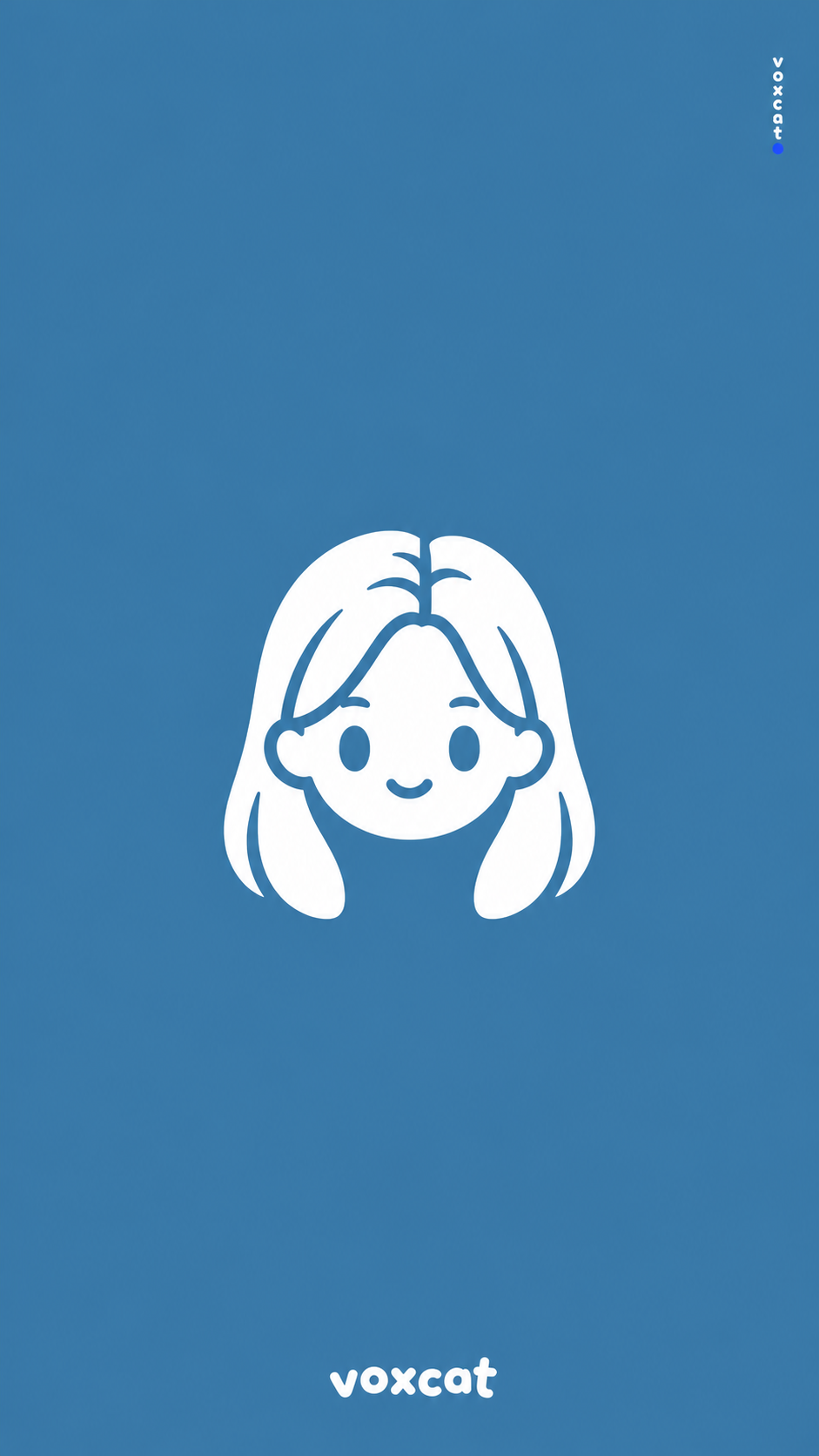
미니멀한 투톤 브랜드 마스코트 아바타와 워드마크
Minimalist Two-Tone Brand Mascot Avatar and Wordmark
‘미니멀한 투톤 브랜드 마스코트 아바타와 워드마크’은(는) gpt-image-2.5로 만든 작품입니다. OpenZhenZhen에서 원본 프롬프트와 생성 예시를 살펴보고 새로운 창작에 활용해 보세요.
프롬프트
중국어 프롬프트
【主体:抽象 Q 版品牌吉祥物头像】 【品牌名称:voxcat】 【画面比例:9:16】 生成一张 9:16 竖版极简扁平品牌视觉。背景整面铺设纯色,取抽象 Q 版品牌吉祥物头像的标志性主色,并调整为中等明度、柔和饱和度,确保白色图标清晰醒目。不使用渐变、纹理或阴影。 在画面视觉中心放置一个小巧的白色反白 Q 版吉祥物头像剪影,主体为抽象 Q 版品牌吉祥物头像,保留其可识别的发型轮廓和配饰。造型圆润几何化;五官和内部结构由镂空露出的背景色构成,包括两颗椭圆小眼睛、一道细弧线微笑、刘海和发丝分界线。重叠部件之间以极细的背景色缝隙分隔,不使用描边。图标宽度约占画面四分之一,四周保留大面积纯色负空间。 画面底部居中放置一行极小的白色品牌字标“voxcat”,字体圆润、活泼,字形大小略有错落。右侧距边缘约 5% 处放置极小的英文小写“voxcat”,末尾加一颗青金石蓝小圆点。主体颜色严格限于背景色和白色,仅保留指定的蓝色句点例外。使用锐利干净的矢量边缘,整体可爱、轻快、克制。不要添加其他文字、标志、阴影、渐变或纹理。
영어 프롬프트
Subject: an abstract Q-style brand mascot head icon Brand name: voxcat Aspect ratio: 9:16 Create a 9:16 vertical minimalist flat-vector brand visual. Use one full-bleed solid background color derived from the iconic main color of an abstract Q-style brand mascot head icon, adjusted to medium brightness and soft saturation so the white icon remains clear and eye-catching. No gradient, texture, or shadow. At the visual center, place a small monochrome reverse-white Q-style mascot head silhouette for an abstract Q-style brand mascot head icon, retaining its recognizable hairstyle outline and accessories. Use rounded geometric forms. Construct the facial features and internal details as background-color cutouts: two small oval eyes, a thin arc smile, bangs, and hair-parting lines. Separate overlaps with extremely fine background-color gaps; use no strokes. The icon width is about one quarter of the canvas, surrounded by generous solid-color negative space. At the bottom center, add the tiny white wordmark “voxcat” in a lively rounded custom style with subtly staggered letter sizes. On the right edge, about 5% in from the border, place tiny lowercase “voxcat” and a small lapis-lazuli-blue dot at its end. Keep exactly two main colors, background and white, with only that small blue terminal dot as the specified exception. Use sharp clean vector edges and a cute, light, restrained mood. Do not add extra text, logos, shadows, gradients, or textures.
더 많은 이미지·동영상 프롬프트 보기 · 이미지 생성 · 동영상 생성 · AI 캔버스에서 만들기
관련 작품
- 달을 고치는 사람
‘달을 고치는 사람’은(는) Moss Image로 만든 작품입니다. OpenZhenZhen에서 원본 프롬프트와 생성 예시를 살펴보고 새로운 창작에 활용해 보세요.
- 바람에 흩날리는 패션 화보
‘바람에 흩날리는 패션 화보’은(는) Moss Image로 만든 작품입니다. OpenZhenZhen에서 원본 프롬프트와 생성 예시를 살펴보고 새로운 창작에 활용해 보세요.
- 추상적인 빛의 불꽃
‘추상적인 빛의 불꽃’은(는) Moss Image로 만든 작품입니다. OpenZhenZhen에서 원본 프롬프트와 생성 예시를 살펴보고 새로운 창작에 활용해 보세요.
- 세계수
‘세계수’은(는) Moss Image로 만든 작품입니다. OpenZhenZhen에서 원본 프롬프트와 생성 예시를 살펴보고 새로운 창작에 활용해 보세요.
- 자정의 슈퍼카 드리프트
‘자정의 슈퍼카 드리프트’은(는) Moss Image로 만든 작품입니다. OpenZhenZhen에서 원본 프롬프트와 생성 예시를 살펴보고 새로운 창작에 활용해 보세요.
- 고딕 할로윈 무대
‘고딕 할로윈 무대’은(는) Moss Image로 만든 작품입니다. OpenZhenZhen에서 원본 프롬프트와 생성 예시를 살펴보고 새로운 창작에 활용해 보세요.